Checked In, Not Exposed: A UK Traveller’s Guide to Discreet Live-Cam Viewing
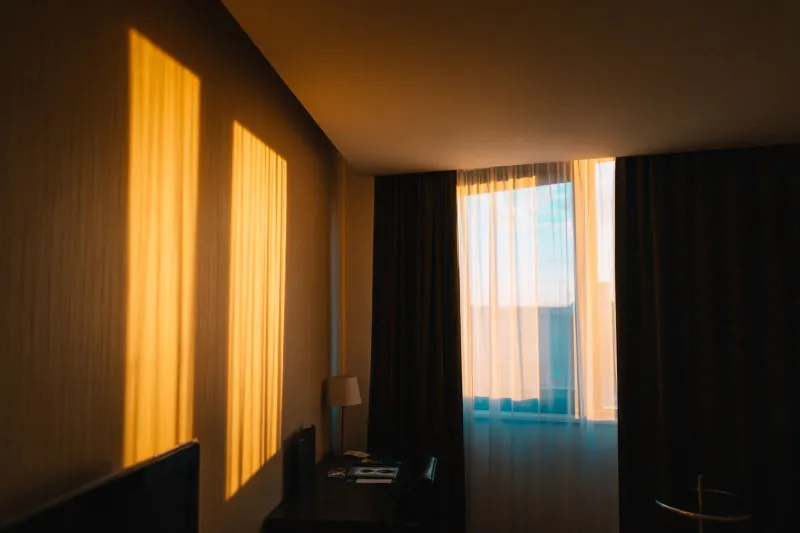
A hotel room can feel like a sealed box: anonymous, temporary and entirely yours for the night. That feeling is useful for rest, but it is a poor basis for privacy. The room is part of a building, the network is part of a business, and the device you use is part of your everyday life. For UK viewers of adult live-cam sites such as KembleCam, discretion is not about hiding from consent or age assurance. It is about recognising that a temporary space can still create permanent traces.
The Room Is Temporary; the Record May Not Be
Hotel rooms are designed to be convenient, not private in the absolute sense. Wi-Fi is usually shared and managed, smart televisions may retain sign-in details, and housekeeping staff enter on a schedule. None of this is sinister, but it does mean that a room should not be treated as invisible. The consent-first principle that governs a live-cam session does not stop at the performer’s boundary. It also applies to the people who share the building and the systems that carry the connection.
Before opening any adult site, ask a simple question: what would I be comfortable explaining if a device, a bill or a browser tab were seen by someone else? If the answer is awkward, the setup needs adjusting. Discretion is best practised in advance, not improvised at the point of embarrassment.
Treat Hotel Wi-Fi as Shared Infrastructure
Hotel networks vary widely. Some require a room number and surname; others use a captive portal with terms and conditions. A few are open enough to feel casual. In every case, the network is operated by someone else and may keep connection logs. That does not make it unsafe by default, but it does make it unsuitable for assumptions.
Where possible, use a trusted mobile data connection for sensitive browsing, especially on a work laptop or a device that also carries email and cloud accounts. A VPN can add a layer of encryption, but it is not a cloak of invisibility; it changes who can see what, not whether traces exist. Disable auto-join for hotel networks after use, and avoid signing into a room television with personal accounts. Casting a live-cam room to a hotel TV is particularly unwise: pairing histories, profile names and viewing activity can linger in menus that the next guest may explore.
If a hotel network is the only option, keep the session brief, use a private browser window as a small hygiene measure, and sign out of the platform afterwards. Private browsing does not erase network-level records, but it reduces the chance of leaving local history on a shared or borrowed device.
Volume, Headphones and the Shared Wall
Sound travels further than most guests expect. A television at low volume can mask conversation, but it can also create the false impression that a room is acoustically sealed. Use headphones, check the volume before opening a stream, and avoid switching to speakers once the session begins. A simple test is to play ordinary audio at the intended level and listen from the corridor side of the door. If it is audible there, it is audible to neighbours.
Shared walls also carry visual cues. Do not position a laptop or phone so that the screen faces a window or a connecting door. Close curtains, but do not rely on them as a privacy boundary. In many UK hotels, the gap between rooms is thinner than the decor suggests. Discretion is quieter than confidence.
Lock Screens, Notifications and the Unattended Device
A lock screen is often the weakest point in a travel setup. Notification previews can display platform names, message excerpts or payment alerts. Before travelling, disable message previews for sensitive apps, enable a short auto-lock time, and use a passcode or biometric lock. If a device is shared with a partner, colleague or family member, use a separate browser profile or guest account rather than relying on memory to close tabs.
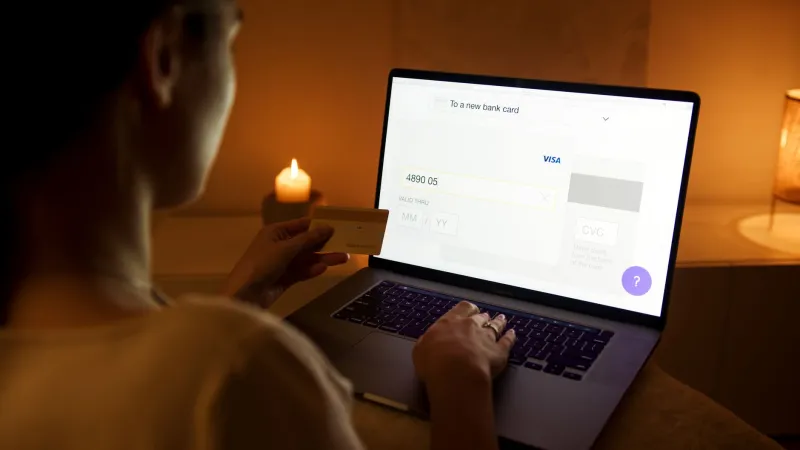
Avoid saving card details to a hotel device or a borrowed laptop. Sign out of the live-cam platform when the session ends, and check that the sign-out has completed rather than assuming a closed tab is enough. Devices left charging on a desk are easy for housekeeping staff to see, even when the screen is dark. Put phones and laptops away before leaving the room, and never leave a session running while you answer the door.
Housekeeping Timing and the Unattended Room
The housekeeping timetable is a practical consent issue, because it concerns the people who enter the room. Use the Do Not Disturb sign when appropriate, but do not treat it as a permanent shield; staff still need to work and may need access for safety or maintenance. Plan sessions around known service times, keep devices closed and stowed when you leave, and avoid leaving notes, receipts or packaging that invite curiosity.
At checkout, take a final pass through the room. Close browser tabs, sign out of accounts, remove any pairing with the television, and check that chargers, cables and devices are packed. If you have used a hotel computer or business centre, clear the browser history and sign out of every account. A temporary room should not become a permanent leak simply because departure felt rushed.
Tipping Without Leaving a Trace
Fair tipping is voluntary, appreciative and free of instruction. Use the platform’s own payment tools rather than arranging off-site transfers, and avoid sharing personal contact details in a tip message. A tip should not be framed as a request for a particular act, and it should never be used to pressure a performer past a stated boundary. Discretion applies to payment too: a hotel bill, a shared card statement or a room folio can reveal more than intended. Where possible, keep adult purchases on a separate payment method and review statements privately.
A Departure Checklist for Discreet Viewing
Before leaving any hotel room, run through a short routine: sign out of the platform, close private windows, disable auto-connect to the hotel network, lock the device, remove any TV pairing, and stow equipment out of sight. If the room has a safe, use it for devices you are not taking out. If you have used a shared computer, clear its history and sign out completely.
KembleCam’s editorial position is consistent: adult live-cam viewing is for age-verified adults, and consent comes first. Good travel hygiene supports that position by keeping the session contained, the performer respected and the temporary room from becoming an accidental broadcast. Discretion is not secrecy for its own sake. It is care for the people around you, the performer on screen and the digital life you carry home.